More possibilities in the desktop app
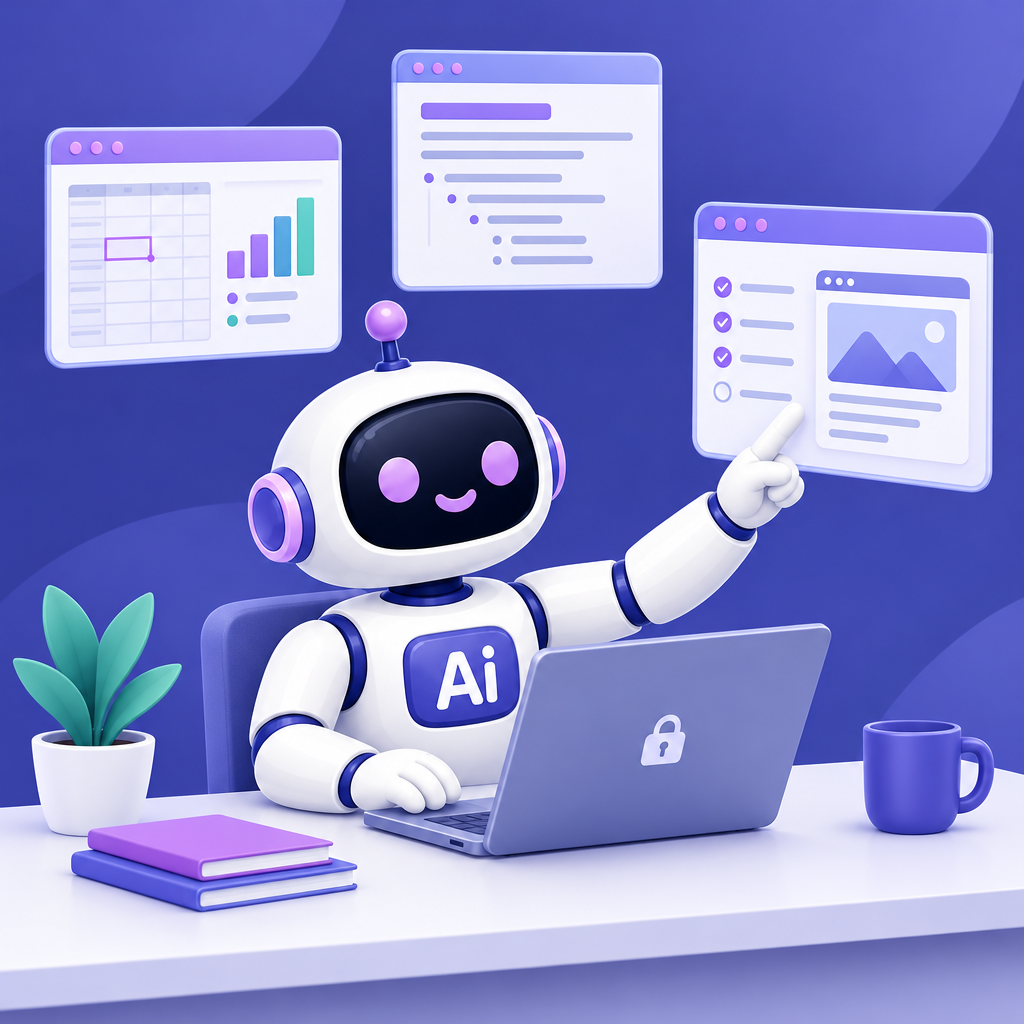
Work offline, create Office files with real charts, and build small apps without additional development software.
Date: 2026-11-03
Category: Update
The AI-Corporate desktop app offers more possibilities for everyday knowledge work: work offline with a local model, create Office files with real charts, and build small web apps without installing development software yourself.
In offline mode, you use only a local model, and your chats stay on your laptop. This means you can keep working without an internet connection. Administrators can disable this mode, so its availability depends on your organisation’s settings.
You can have Word, Excel, and PowerPoint files created, including real charts. For example, an Excel analysis with a chart, a presentation for a team meeting, or a Word proposal with a real table of contents. The built-in viewer helps you review the result. The desktop app can also read local documents, including scanned PDFs.
You can build a small web app without installing additional development software yourself. For example, describe a tool for an internal request or a process checklist. The AI can review and test the result in the built-in browser. Then check whether the app does what your team needs.
Want to work with local files? When starting a new chat, use the folder button to select the right working folder. Before giving a file-related instruction, check the active folder on the right of the top bar to make sure you’re working with the intended documents.