A calmer dashboard for AI-Corporate
Get started faster, find things more easily and see the bigger picture.
Date: 2026-10-16
Category: News
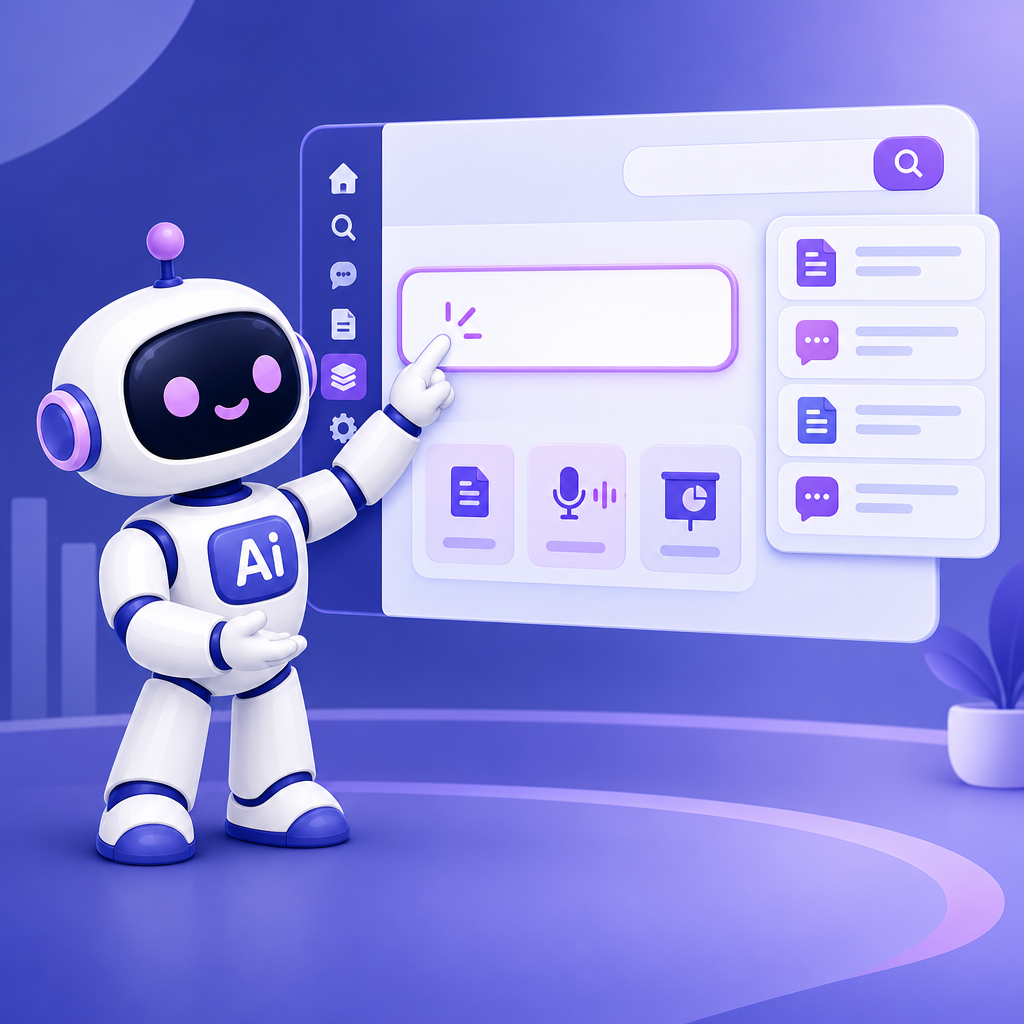
AI-Corporate now has a calmer look throughout the app. On the dashboard, the prompt field stands out more, so you can get started right away. The menu is now on the left. Prefer the menu at the top? Under Preferences → Navigation, select At the top of the toolbar.
Use the search field in the top-right corner, or press Ctrl+K, to find chats, assistants, workflows, images and files more easily. You can open a file directly from the search results. That saves you time when you want to continue working on a proposal, process document or previous customer query.
Below the prompt field, you’ll find buttons to help you get started quickly. The options you see depend on your role and on what your organisation has enabled. These might include Create document, Create transcript, Create presentation, Create assistant with AI and Edit image. This makes it quicker to get from your home screen to the task you want to do.
You can also access the Knowledge Base from the menu on the left. This redesigned layout is a first step: we’re working on home screens that better support the different types of work people do across an organisation.
Open the redesigned dashboard to explore the layout and the quick-action buttons available for your role.